

GMC Non-Navigation to Factory OEM Navigation GPS
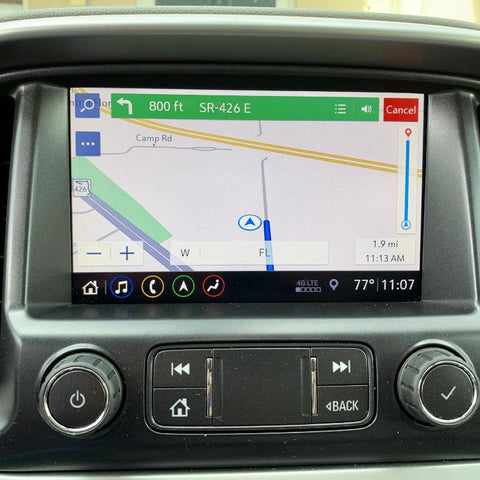
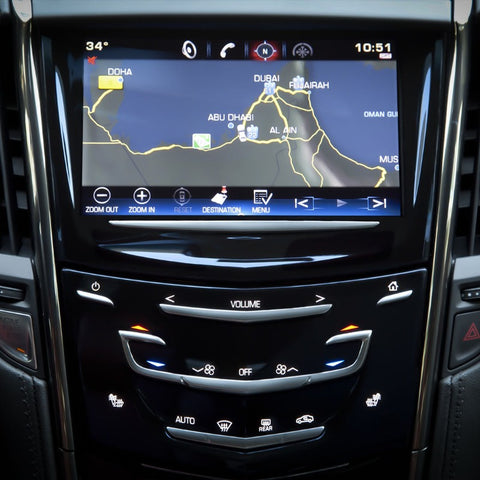
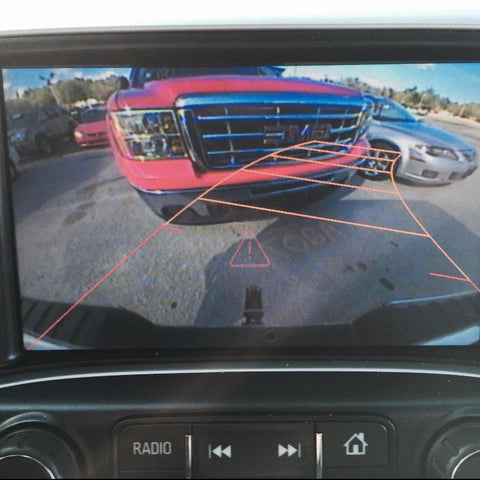
This OBD Genie programmer allows vehicle owners to activate the factory General Motors navigation feature. The navigation (GPS) feature allows drivers to view satellite maps and receive route directions on their radio screen.
This purchase will include an OBD Genie programmer which activates navigation capability, and a name-brand General Motors SD card containing the latest maps.
VEHICLE COMPATIBILITY
- 2018-2024 GMC Terrain
- 2019-2024 GMC Canyon
- 2019-2024 GMC Sierra
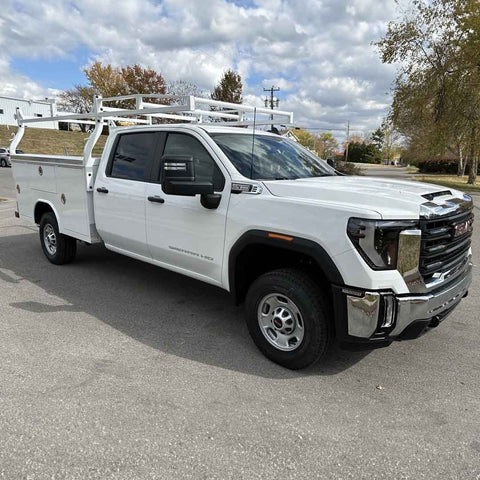
- 2019-2024 GMC Sierra HD
- 2020 GMC Acadia
This OBD Genie programmer is only compatible with the IOS radio code. Your vehicle’s radio code can be found either on your glove box sticker, or by scanning the QR code on the inside of your driver’s side door with your smartphone. Radios under the codes IOR, IOB, IO4, IO5, and IO6 are not compatible.
If you do not have the IOS radio code and would like to add navigation to your vehicle, please reach out to support@obdgenie.com.
THINGS TO KNOW
- Dedicated to Your Vehicle for Life! Once used, the OBD Genie programmer will become locked to that specific VIN.
- Ensure Compatibility! View the compatibility list below and locate your vehicle type. Likewise, please include your vehicle's 17-digit VIN at checkout so we can ensure it is the perfect fit for you.
- Ensure your vehicle has the IOS option code and SD card slot. You can find this by scanning your QR Code on the inside of your drivers side door with your phone. If you do not have an SD card slot then we will include a replacement MCR (Memory Card Reader) that you install to your USB media hub.
- If you have the IOR option code (Infotainment 3) you cannot upgrade to GPS navigation. Infotainment.com has come up with a viable option to replace the IOR. Reach out to them for more info.
- Fully Engineered & Built in the USA!
INSTALLATION
- Put the vehicle in Accessory mode. (This is where the vehicle is on, but not running) Wait 1 minute.
- Plug in the OBD Genie programmer into the OBD2 port.
- Wait for the green light and/or for the horn to honk.
- Enjoy your new upgrade and be sure to check out other items your vehicle is compatible with!
For a more detailed installation, please click HERE.