

Chrysler Sirius Travel Link for UAQ/S Programmer
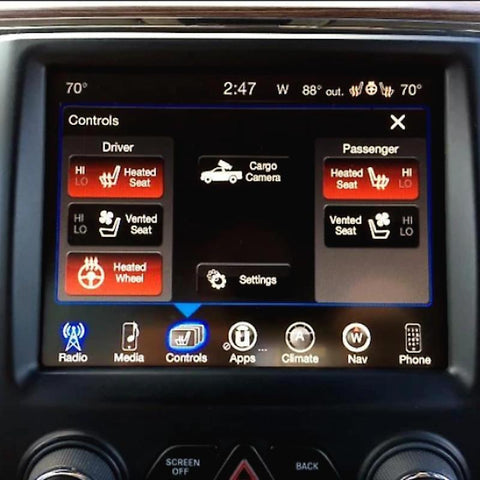
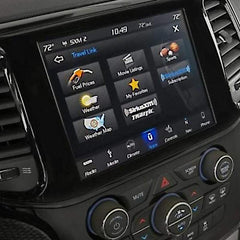
This OBDGenie programmer allows Chrysler owners to receive the SiriusXM Travel Link service. Travel Link by SiriusXM allows drivers to receive detailed information about weather, gas pricing, sports, etc. The driver can access these features from their radio screen. Our programmer enables the feature in the Chrysler computer so that Travel Link may be purchased and used.
This purchase does not include a Sirius Travel Link subscription. Our OBD Genie will give a vehicle that is incapable of receiving Sirius Travel Link the ability to receive it. In order to use the features described above, a subscription must also be purchased at www.siriusxm.com.
PREVIOUS PROGRAMMING NOTICE
If your vehicle has had Sirius Travel link or the Sirius Travel Link Demo enabled previously, at any time, this programmer will not be compatible.
VEHICLE COMPATIBILITY
- 2007-2009 Chrysler Aspen
- 2007-2010 Chrysler Sebring
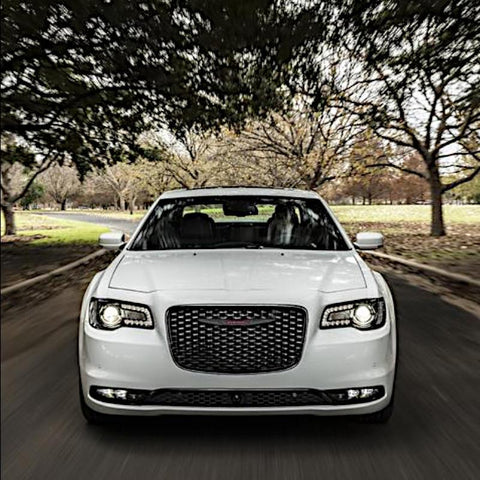
- 2007-2020 Chrysler 300
-
2008-2016 Chrysler Town & Country
THINGS TO KNOW
- Additional Equipment Required. Hardware is NOT INCLUDED with this purchase. If you do not already have these parts, contact support at support@obdgenie.com.
- You May Need a Bypass Module. For your upgrade, you will need a Bypass Device to program your vehicle. Both variations of the Genie will come with a Bypass Device. The Bypass Device can also be purchased separately here.
- Dedicated to Your Vehicle for Life! Your OBD Genie Programmer is dedicated to your vehicle's VIN number.
- Ensure Compatibility! View the compatibility list below and locate your vehicle type. Likewise, please include your vehicle's 17-digit VIN at checkout so we can ensure it is the perfect fit for you.
- Fully Engineered & Built in the USA!
INSTALLATION
- Put the vehicle in Accessory mode. (This is where the vehicle is on, but not running) Wait 1 minute.
- Plug in the OBD Genie programmer into the OBD2 port.
- Wait for the green light and/or for the horn to honk.
- Enjoy your new upgrade and be sure to check out other items your vehicle is compatible with!
For a more detailed installation, please click HERE.