

Chevrolet Rear View Camera Programmer (IO4 IO5 IO6 Radio)
$ 129.95
Chevrolet Rear View Camera Programmer
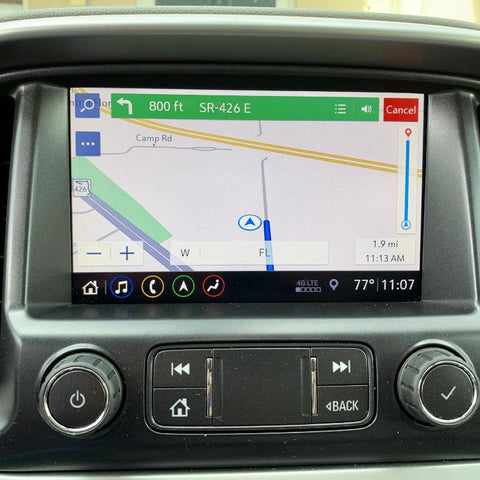
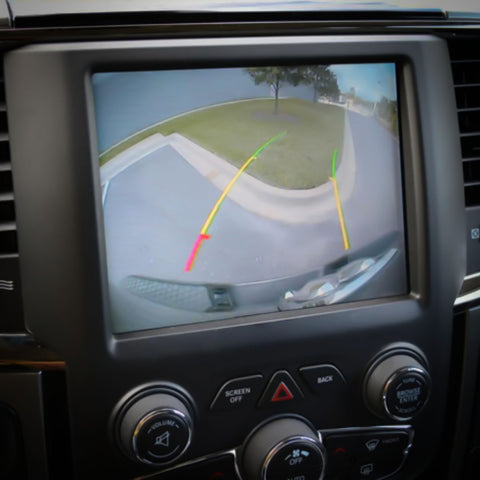
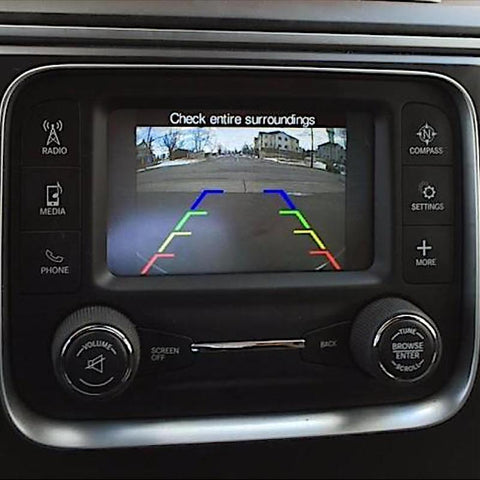
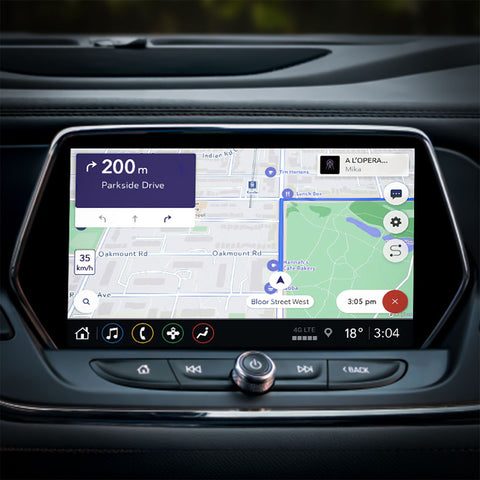
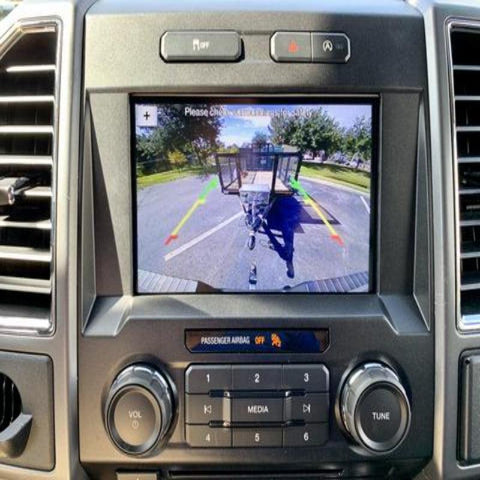
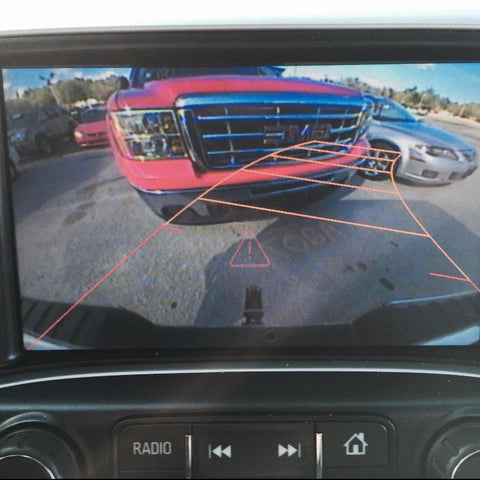
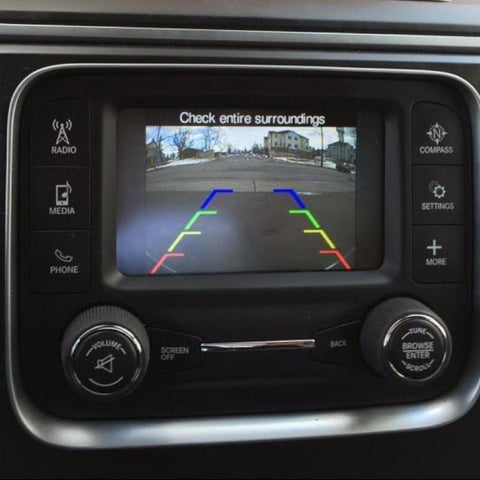
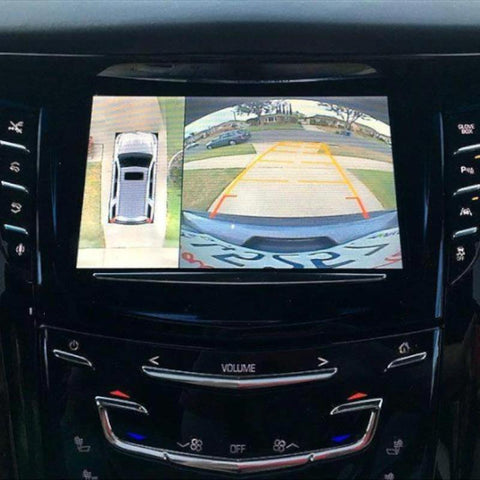
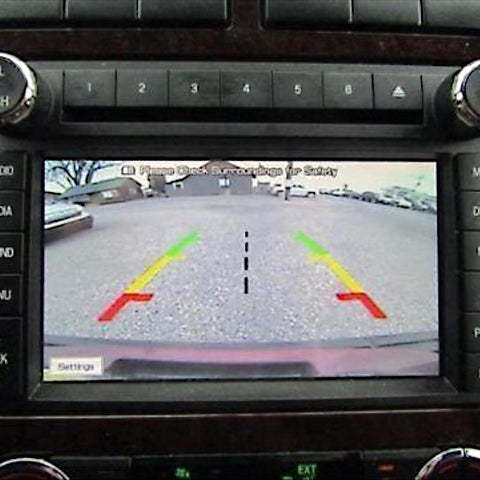
This OBDGenie programmer allows vehicle owners to program their GM for a factory rear view camera. The rear view camera (back-up camera) is a highly sought after safety feature which allows the driver to see behind their vehicle with video feed on their radio screen. This camera activates when the vehicle is in reverse. Once the camera is installed, the OBDGenie will activate it for use.
VEHICLE COMPATIBILITY
- 2014-2022 Chevrolet Corvette
- 2014-2022 Chevrolet Impala
- 2014-2022 Chevrolet Silverado 1500 - MOST POPULAR!
- 2015-2022 Chevrolet Colorado
- 2015-2022 Chevrolet Silverado HD 2500-3500 - MOST POPULAR!
- 2015-2022 Chevrolet Suburban
- 2015-2022 Chevrolet Tahoe
- 2016-2022 Chevrolet Camaro
- 2016-2022 Chevrolet Cruze
- 2016-2022 Chevrolet Malibu
- 2016-2022 Chevrolet Volt
- 2018-2022 Chevrolet Equinox
- 2018-2022 Chevrolet Traverse
THINGS TO KNOW
-
Dedicated to Your Vehicle for Life! Once used, the OBDGenie programmer will become locked to that specific VIN.
- Ensure Compatibility! View the compatibility list below and locate your vehicle type. Likewise, please include your vehicle's 17-digit VIN at checkout we can ensure it is the perfect fit for you.
- Vehicle must have the correct code listed on the glove box sticker! Your glove box sticker will notate a 3-digit code. Your code must be either IO4, IO5, IO6, or IOR in order to use this OBDGenie Programmer.
- Additional Equipment May be Required. Rear view camera is not included with this purchase. If you are looking to purchase a rear view camera, please reach out to support@obdgenie.com.
- Grid lines! If you are looking to have grid lines on your camera feed, ensure you have purchased and installed a camera that includes them. The grid lines are a feature of the camera itself, not the OBD Genie.
-
Fully Engineered & Built in the USA!
Trucks with the 4-inch display screen (IO4)
Trucks with the 8-inch display screen (IO5 & IO6)
2014 Non-Prewired Trucks
INSTALLATION
- Put the vehicle in Accessory mode. (This is where the vehicle is on, but not running) Wait 1 minute.
- Plug in the OBD Genie programmer into the OBD2 port.
- Wait for the green light and/or for the horn to honk.
- Enjoy your new upgrade and be sure to check out other items your vehicle is compatible with!